Getting Started with cURL
What is a server and why do we need to talk to it?
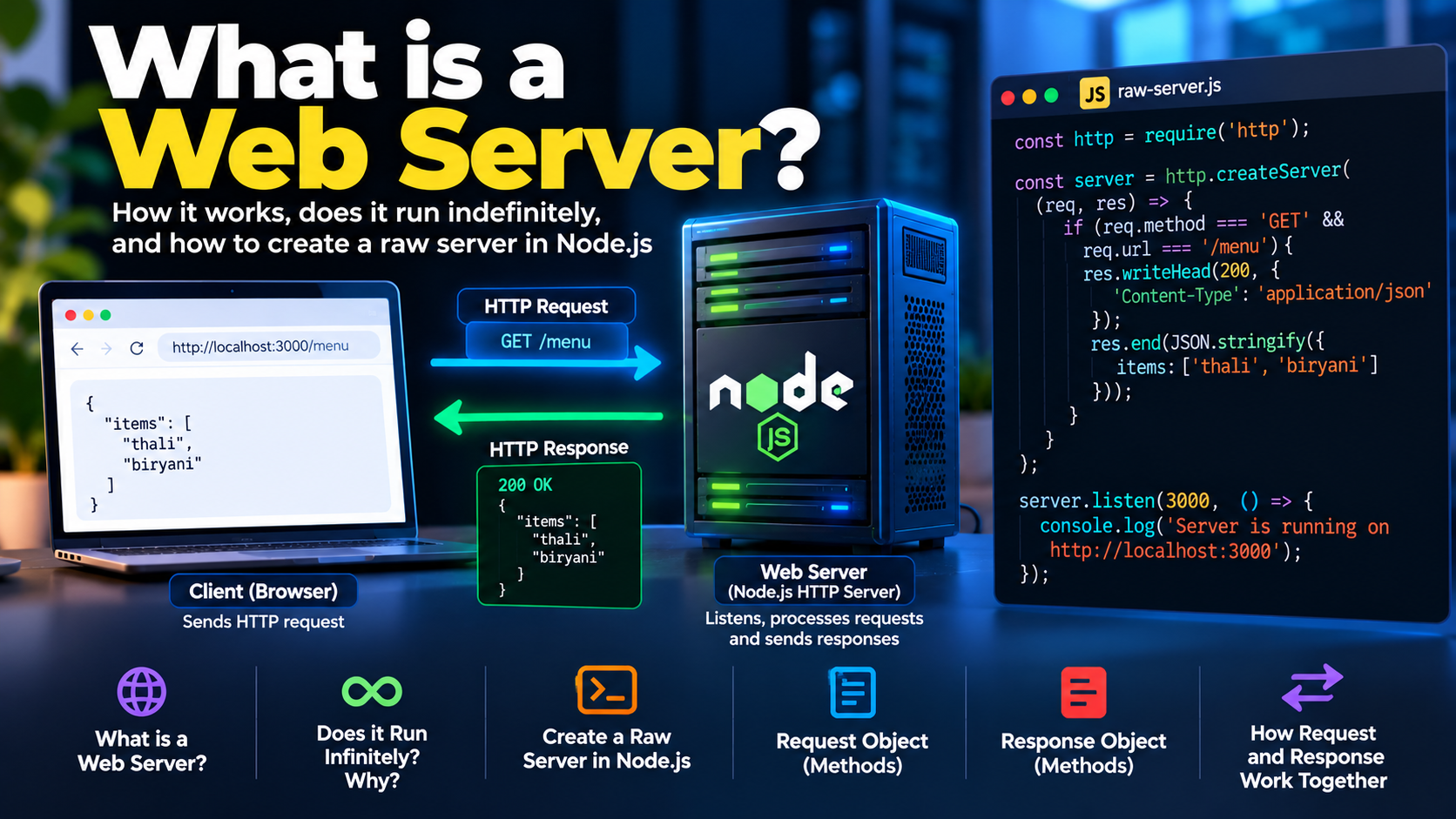
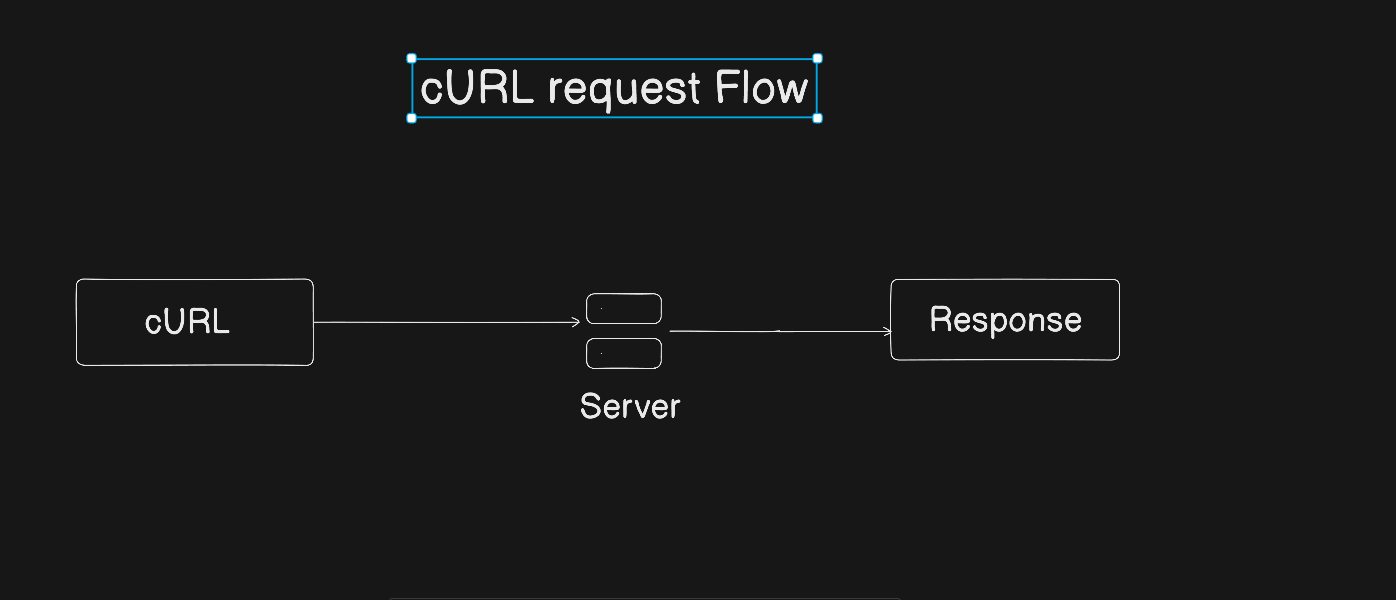
A server is a computer where websites, applications and APIs are stored. When we open any website or use any mobile app, our device sends a request to a server and the server sends a response back. This response can be a webpage, some data or a message. Without talking to a server, we cannot access any website or API. That is why communication between client and server is very important in web development.
What is cURL (in very simple terms)?
cURL is a command line tool used to talk to a server. Using cURL, we can send requests to a server directly from the terminal without using a browser. cURL sends a request and shows the server response in plain text. In very simple words, cURL is a way to send messages to a server from the terminal and see what the server sends back.
Why programmers need cURL?
Programmers use cURL because browsers hide many technical details. When we use a browser, we only see the final output, but we do not see how the request is sent and what exact response comes from the server. cURL helps programmers see raw request and response. It is very useful for backend development, API testing and debugging server related problems.
Making your first request using cURL
The simplest way to use cURL is to fetch a webpage. When we run a simple cURL command with a website URL, cURL sends a request to the server and the server sends back a response. That response is printed directly in the terminal. This is similar to opening a website in a browser, but without any UI or design, only the raw content.
curl https://example.com
Understanding request and response
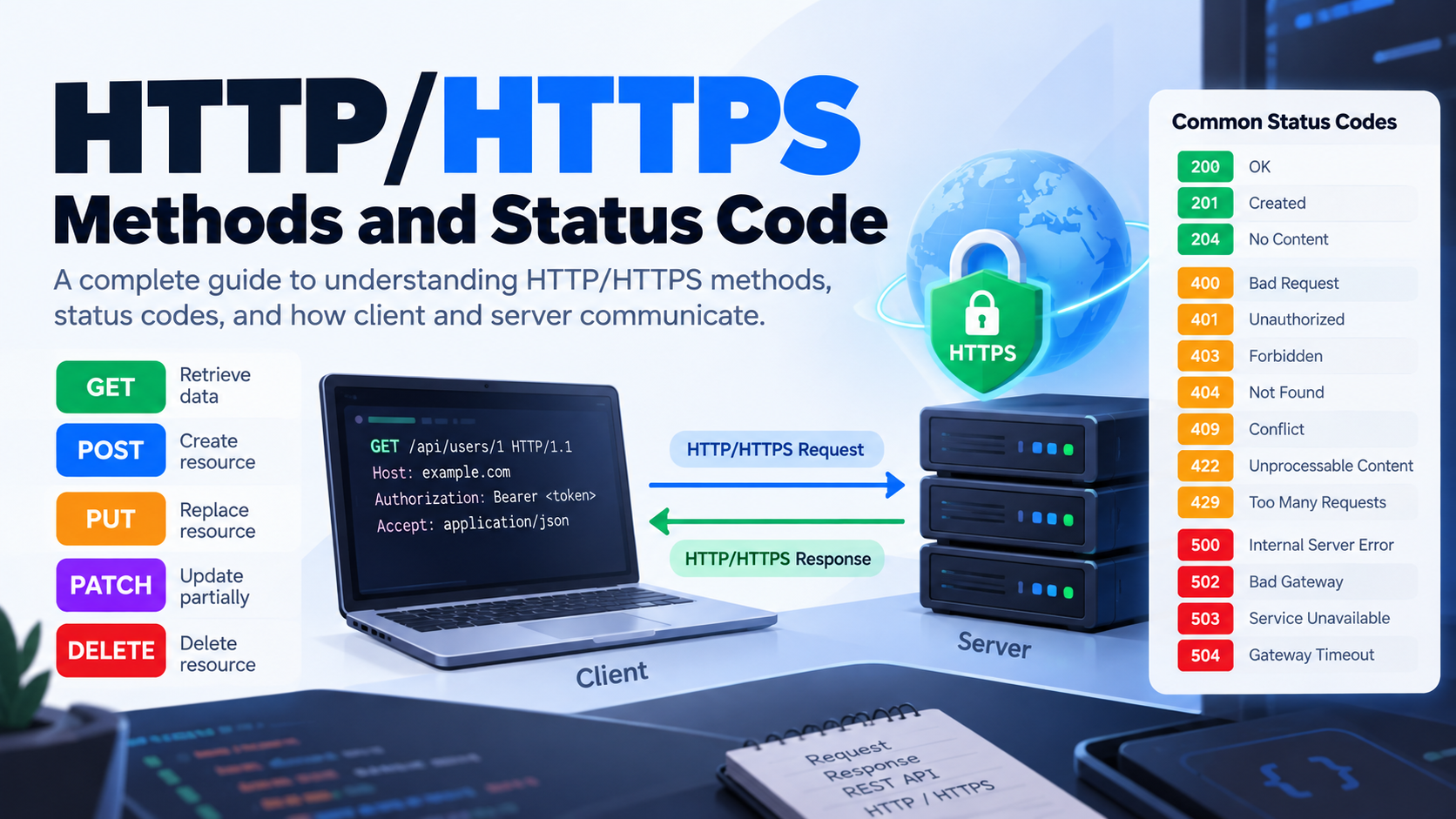
Whenever we use cURL, two things always happen. First, a request is sent to the server. Second, a response comes back from the server. The response usually contains a status code and some data. A status code tells whether the request was successful or not. For example, status code 200 means the request is successful and status code 404 means the requested resource was not found. The data part can be HTML or JSON depending on what the server returns.
Using cURL to talk to APIs
APIs also work on the same request and response concept. Using cURL, we can easily talk to APIs from the terminal. When we send a request to an API using cURL, the API returns data, usually in JSON format. This is very common in backend development where developers test APIs without using any frontend.
curl https://api.github.com
GET and POST in simple words
GET and POST are HTTP methods used while sending requests. GET request is used when we want to fetch data from the server. POST request is used when we want to send data to the server. At beginner level, it is enough to understand that GET is for getting data and POST is for sending data. No need to remember more than this in the beginning.
curl -X POST https://example.com
Common mistakes beginners make with cURL
Beginners often expect cURL to behave like a browser, but cURL does not show UI. Many beginners also forget to use the correct URL or confuse GET and POST requests. Another common mistake is using too many flags without understanding what they do. The best way to learn cURL is to start with very simple commands and slowly build understanding.
-Written By : Vivek yadav
Comments
Join the discussionNo comments yet. Be the first to comment.